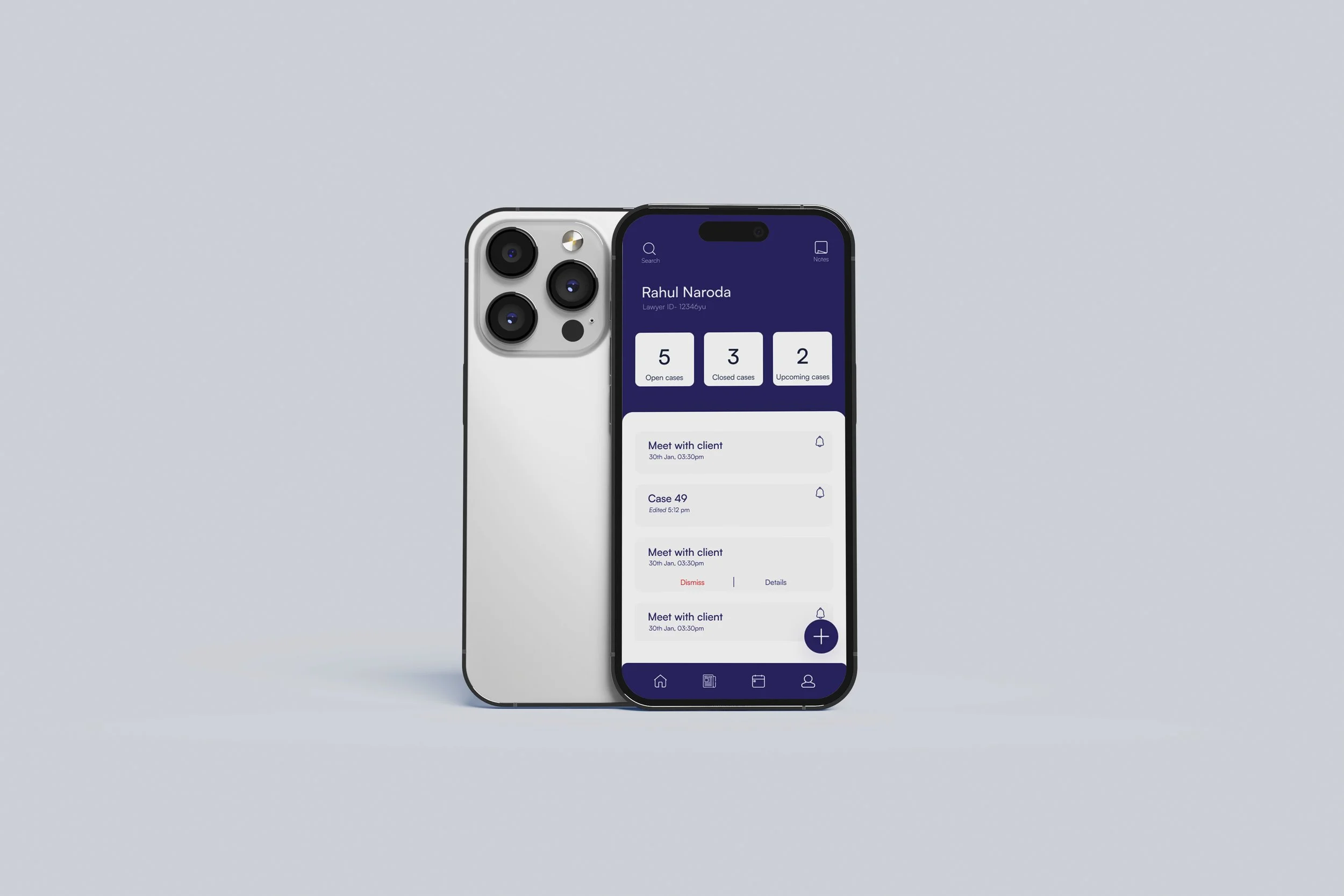
Advocase Case study
(mobile app, iOS)
A mobile app designed to simplify information management and improve workflow efficiency, thus reducing user (lawyers) effort and time spent.
What tools did I use?
Figma, photoshop, Adobe illustrator
What?
What exactly is the problem?
Attorneys do not have an efficient way to manage their workflow
With the large number of cases a single advocate has to handle, it becomes really difficult to keep track of all the information. They struggle with complex and cumbersome tools that hinder their productivity and detract from their primary tasks.
Problem statement
How may I design an application that will help lawyers streamline their information system to help them better organise their workflow
Who?
Whose problem are we solving?
People working in the legal profession
Why does it matter?
After some brief research, I found that, on average, most lawyers manage around 20-30 cases per week, depending on their seniority and the complexity of the cases. The number of documents each case has can vary from 100 to 500, sometimes even more. This is too frustrating and stressful for a single person to manage efficiently
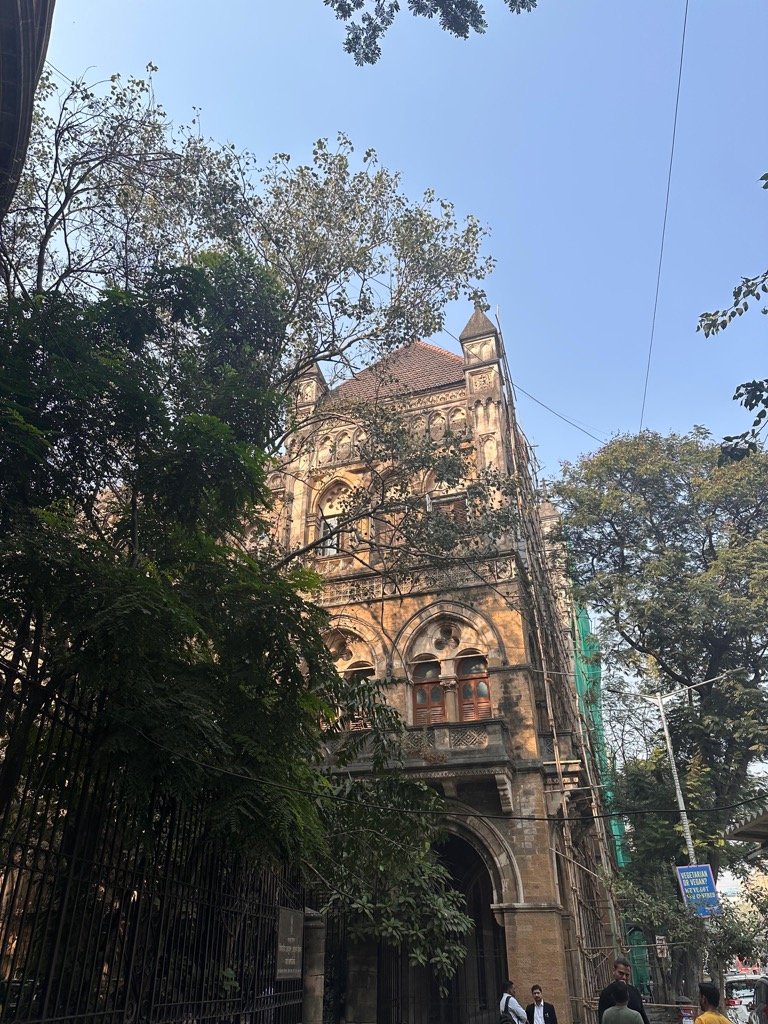

Bombay high courtHow?..
01
Competitor analysis
Research methods
What methods of UX research did I use to understand the problem better and find a solution?
I compared the current competitors and conducted a thorough analysis of their business models to assess how helpful users found their applications.
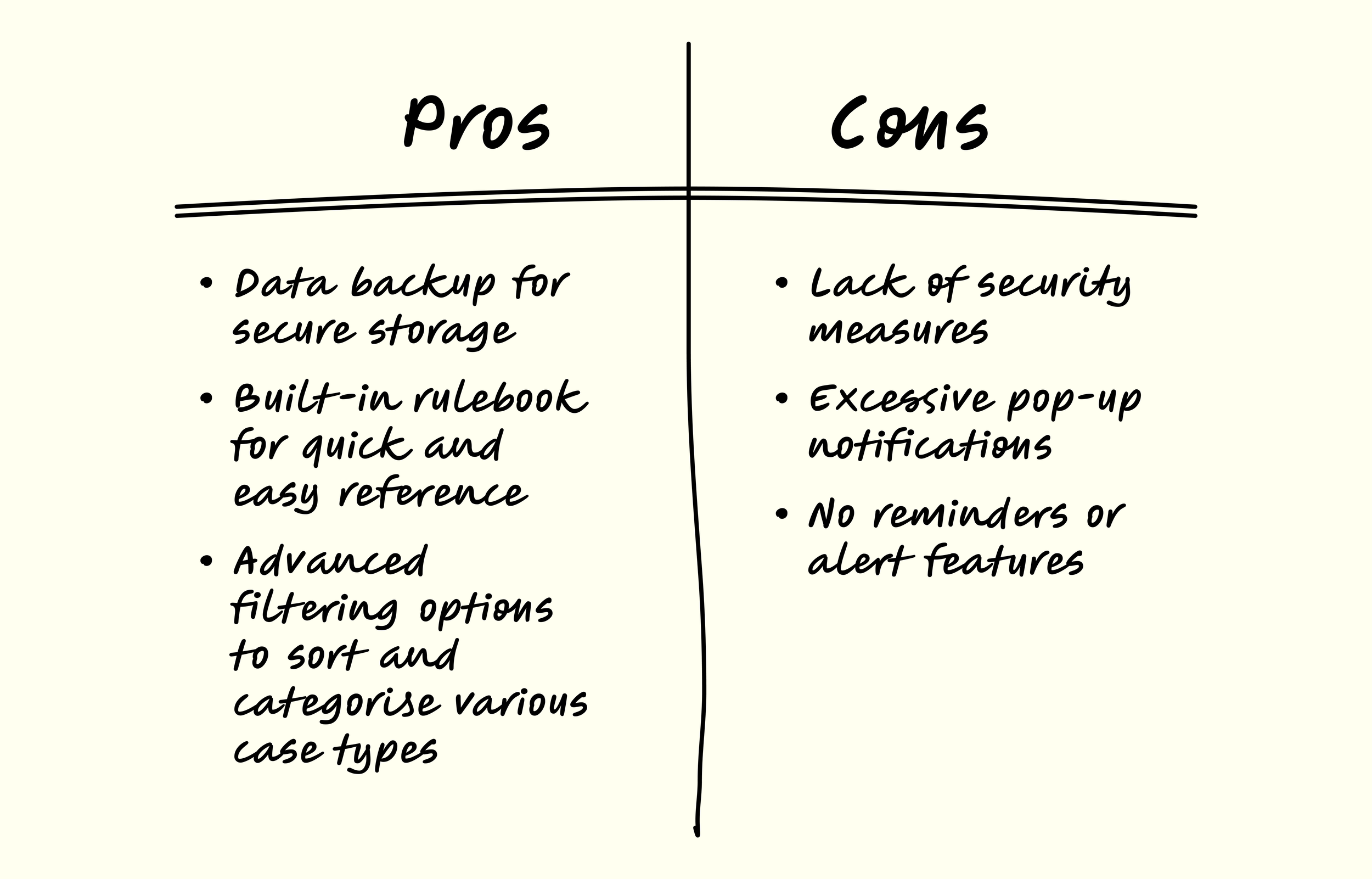
I did a SWOT analysis of the three most popular case organisation apps for lawyers
The goal was to come up with a list of common features and compare the strengths and weaknesses of each app (The lawyer diary, lawyer daily case diary and lawyer handbook) and figure out a way to design an application which bridges the gap between the user and the design.
02
Tree Testing
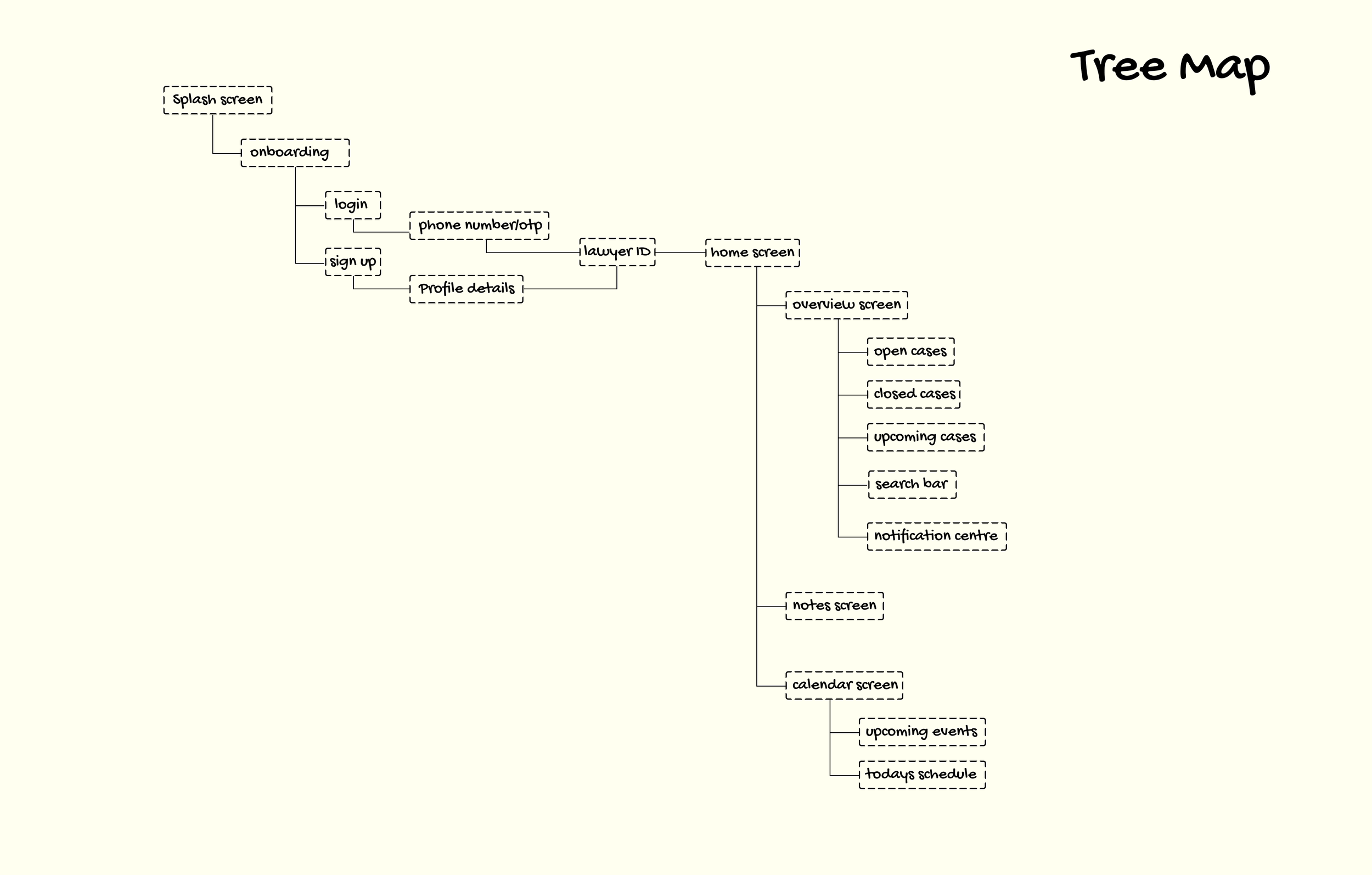
In order to understand the Information architecture for my design, I tried tree testing
I conducted a standalone tree testing session
The aim was to determine the types of information users prioritize and the hierarchy they follow. This insight clarified which features were essential and which could be streamlined.
My takeaway from the research
If I create an application which the users can trust to manage and store information, it would decrease their load and increase efficiency
How am I going to address the pain points?
The fear of sensitive case information getting leaked
By integrating two-factor authentication, my design aims to enhance security, significantly reducing the risk of privacy leaks and hacking
Lawyers find it tough to manage their workflow
I will create a design that regularly reminds the advocate of their tasks, ensuring they know what to prioritize and can organize their schedule efficiently.
Its easy to misplace documents due to the large volume
By allowing users to store all the information in one place, I am hoping to streamline information management and ensure that information is centralised and easily accessible.

Digital prototypes
Solution
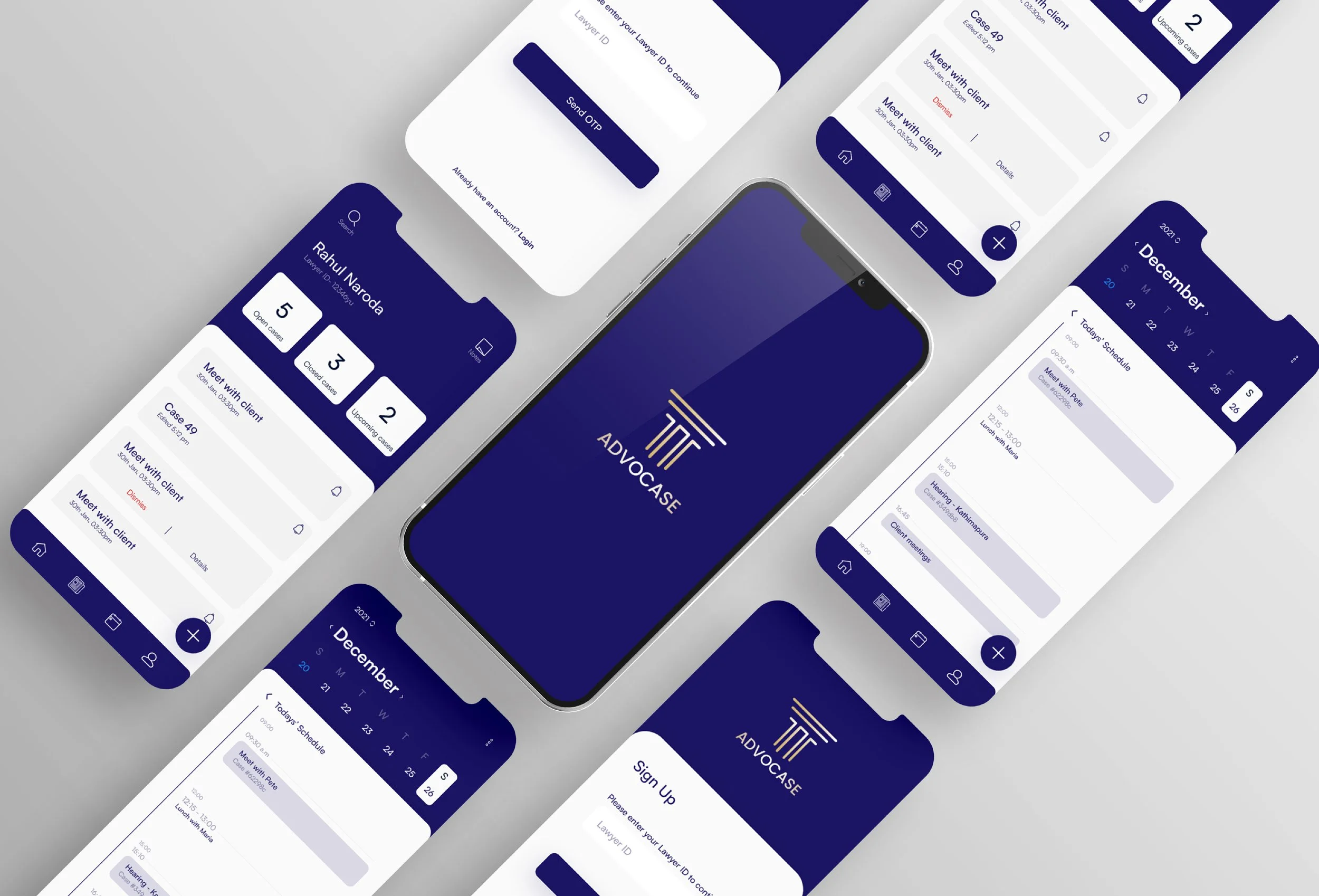
Advocase is a mobile application that allows legal professionals to securely store information, prioritize tasks, and organize workflow
Thereby reducing the time spent on administrative tasks and enhancing productivity and overall efficiency
A personal identification number
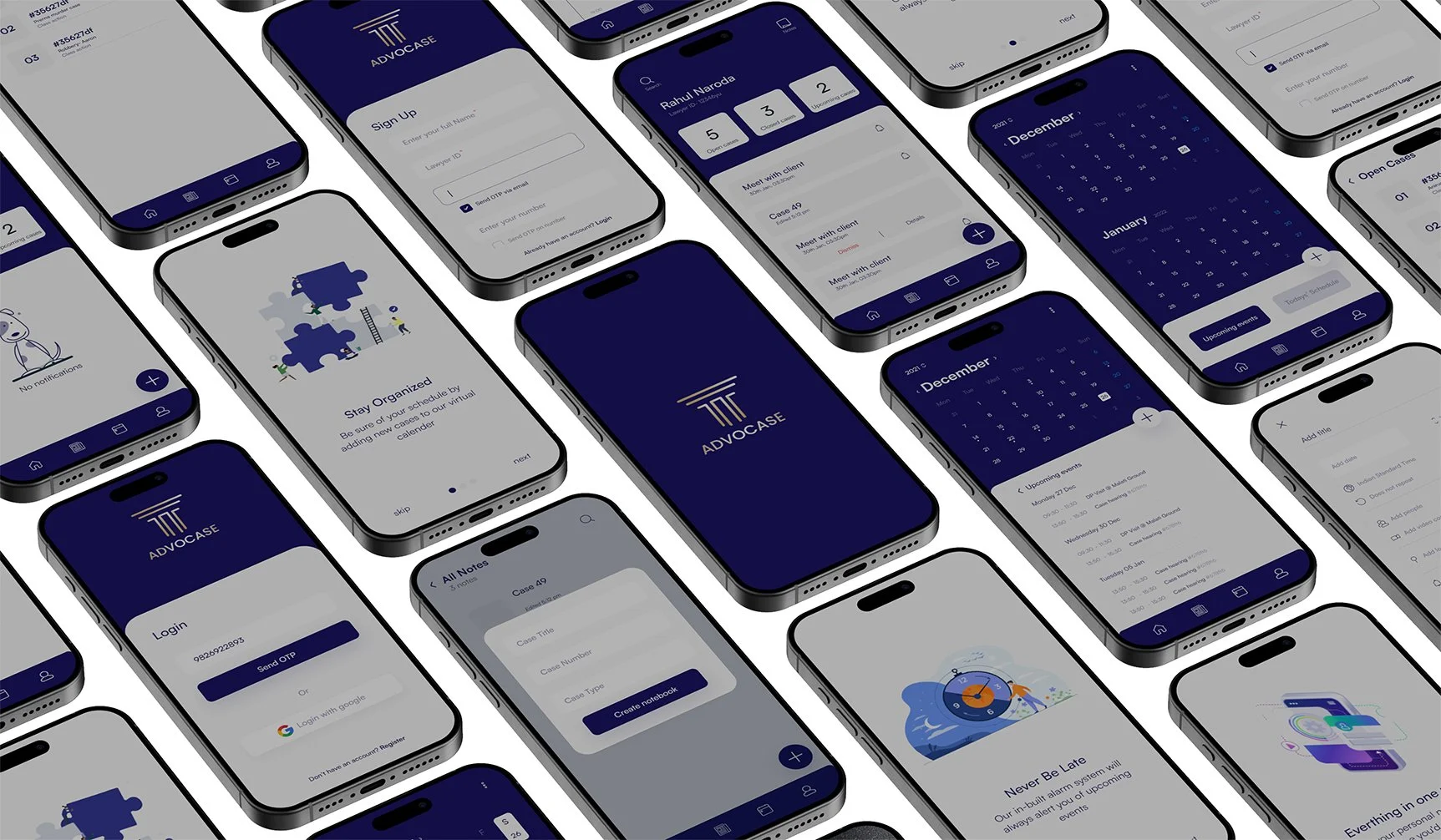
Every user will be assigned a specific ID known only to them, along with a set of words arranged in a specific order, to ensure a highly secure onboarding process during login.
A centre which tells you what to prioritise
The Notification Centre will send frequent alerts and reminders to make sure the user is up to date on his tasks and does not miss out on anything important
A way to store all information in one place
Users can upload documents for every case individually. This is in hope of decreasing the errors in document handling and increasing accessibility
Something to remember your little brain babies
We often have fleeting ideas that can easily be forgotten if not captured immediately. The note feature allows users to quickly add notes for each case, ensuring all thoughts are organised and not scattered across different pieces of paper.
What did I learn?
At the time when I designed this project I was relatively new to the field. Seeing my teammate incorporate micro animations in the design taught me how such a small addition can make the design so much more intuitive and engaging.
Micro-animations make a huge difference
If I had more time
I would
Try to implement a system that could scan documents and upload all the information automatically, reducing tedious and repetitive manual labour.